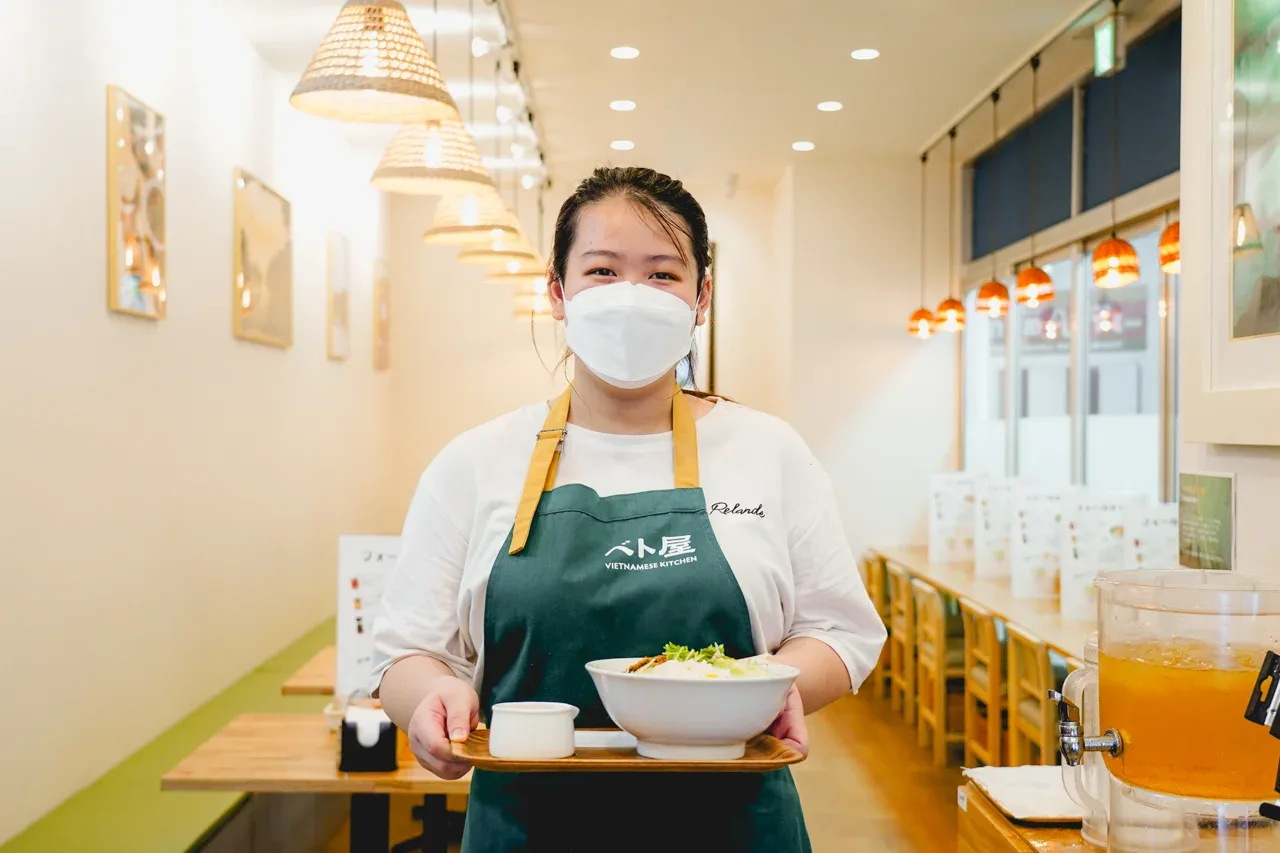
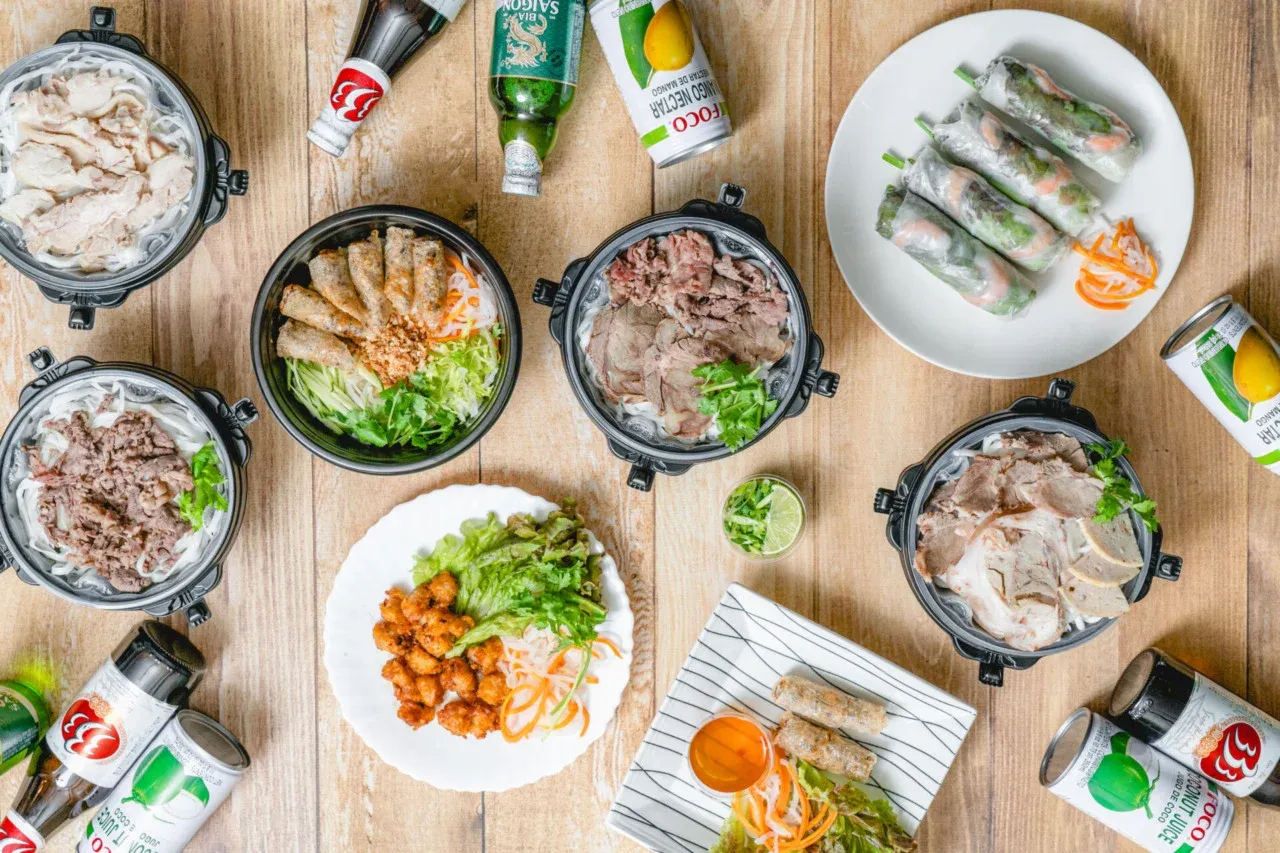
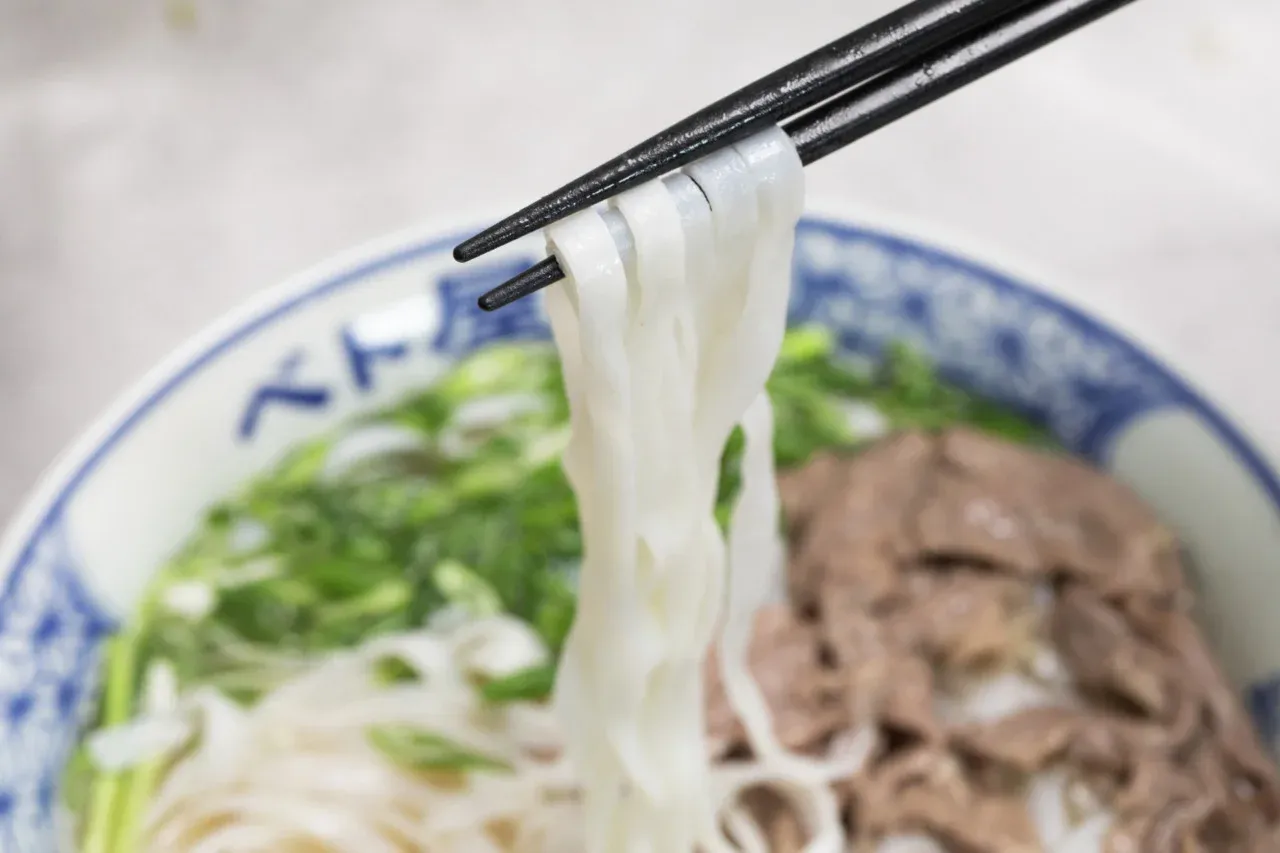
Photo from Betoya official website. Scene of the store and customer service.
SYSTEM OVERVIEW
01Customer orders in the hall
02Kitchen and Service
03POS and Accounting
04Head Office, Products, and Inventory
This is a conceptual diagram organizing the development scope. It is not an actual system screen or architecture diagram.
CHALLENGE
The challenge
Customer orders, floor service, kitchen preparation and checkout needed to share the same order information. Store menus, prices and inventory also had to align with head-office product management, while supporting the terminals and printers used in daily operations.
OUR WORK
Our approach
We developed Tempo, the restaurant product within the GoDX platform. Customer table ordering and takeaway, staff handhelds, POS, KDS and self-service kiosks connect through a store workstation. Head-office and store interfaces manage menus, products, recipes, inventory and sales. The architecture combines in-store networking with cloud synchronization and accounts for connectivity conditions.
OUTCOME
Delivery & operations
Established a configuration where customers, front-of-house, kitchen, and POS handle the same orders, allowing management of product and store-specific operational information from the head office. Supports daily restaurant operations including order changes, split accounting, ticket printing to the kitchen, inventory movement, and stocktaking. The scope of implementation and conditions for using external payment services vary by store.
PROJECT STORY / BUSINESS & ENGINEERING
Inside Betoya's operations: from the first order to head-office management.
Even a single customer order involves multiple tasks within the store: hospitality, cooking, serving, accounting, and inventory. What we focused on with GoDX's restaurant-oriented product Tempo was connecting the information flowing between these processes, rather than just adding more screens.
Don't limit the store's work to just the order screen
A restaurant system is more than a screen for choosing dishes and placing orders. Front-of-house staff need to track tables, while the kitchen needs to know what to prepare. Once food is served, checkout staff confirm amounts due and payments received. The head office also needs to manage products, menus and sales across stores.
Betoya's development case involved this entire chain of connections. Customer orders, staff handheld devices, POS, kitchen displays, and management screens for stores and headquarters. We set up each touchpoint, creating a structure where the same order and products are handled according to roles.
Instead of having everyone use a single large management screen, we enable the same work to be handled from different perspectives. This is the starting point for understanding the whole.
Connect multiple order routes to the front and kitchen.
When customers order from the table and when staff receive orders via handheld devices, the people operating and the information needed on-site differ. For takeout, it is necessary to consider a different way of receiving orders compared to in-store tables. Simply providing a screen at each entrance, including self-service terminals, will not connect the store's work.
Tempo connects these ordering channels with the POS and kitchen display system (KDS). The KDS shows kitchen staff what to prepare and the status of each order. Combined with ticket printing for the kitchen and checkout, it carries order data through preparation, serving and payment.
The objects of consideration in design are not only the content of the order. It is important not to treat software and store equipment as separate issues, but to consider who confirms it, which terminal it is operated on, and which printer it is sent to.
Handle extra orders, changes and split bills as part of everyday service
An order does not always move straight to payment. Guests may change their order or ask to split the bill. A system that only displays the original order cannot accommodate these changes during service.
The POS supports order changes, table management, split bills, and opening, closing and reconciling the till. Split billing accounts for both the order total and payments already made to calculate the remaining balance. Even a single ‘split bill’ action requires the order and payment states to stay consistent.
We do not consider these exceptions as small features added later. They are placed within the same business process as regular orders, and the development scope includes how the store confirms and operates.
Processes running at the store and information managed in the cloud.
The terminals in the store are not only used with the management screen on the other side of the internet. In Tempo, the store workstation becomes the connection point of the internal LAN, and connects the POS, kitchen terminals, and printers while keeping the store data locally. It is configured to synchronize with the cloud on top of that.
By dividing roles, we can separate the processes handled within the store and the information managed on the head office side. The design, which includes networks and peripheral devices, differs from development that only publishes web screens.
However,Continuing processing within the store and being able to use all external services offline are not the same thing. Functions that require communication, such as external payments, have different conditions. The scope of availability and post-recovery handling are organized based on the terminal, connection destination, and operational methods.
Manage products and recipes, and inventory per store separately.
The products handled by the head office and the inventory in the store are related but not the same information. Products have SKUs, options, toppings, and recipes, and menus have conditions such as price and sales time. On the other hand, warehouses and stores deal with the actual amount of ingredients and products they hold.
In the developed platform, we handle not only product and menu management but also inventory movements, transfers between warehouses and stores, stocktaking, disposal, and preparation and production. We also organize the types of business operations that cause changes in inventory quantities, not just displaying the inventory numbers directly.
Behind the menu that customers see, there is work involved in deciding what to sell, what to prepare, and where to store it. By considering order and accounting along with the head office's product and inventory management as part of the same project, we design store operations from a broader perspective.
What becomes visible in this development is the scope of store DX.
This case is not just about developing a standalone POS screen or order form. It is an example of organizing differences in roles such as customers, dining areas, kitchens, registers, and head offices, and building touchpoints of business operations including terminals, printing, and data integration.
The design perspectives gained here can also be applied to store operations beyond restaurants. Separating information that is managed in common and information that varies by location. Considering not only standard operations but also procedures for changes and confirmations. And treating the equipment and communication conditions placed on-site as part of the system from the beginning.
The Tempo introduced in this case study is,GoDX Platformis one of the products that make up the platform. Within the same GoDX, attendance and HR areKintaiteam interactions are handled by Chat, and task and project management by Task. The usage conditions and integration scope for each product are confirmed at the time of implementation.
WHAT WE BUILT
Specific construction scope.
The tasks I was responsible for in this project 6 system areas.
01
Head-office & store management
Manage products, menus, prices, selling times and sales by brand and store, including options, SKUs, toppings and coupons.
02
Customer ordering & staff devices
Table ordering, takeaway, staff handhelds and self-service kiosks are configured for their respective users and workflows.
03
POS, tables & checkout
Manage tables, orders, changes, split bills, payments and till opening, closing and reconciliation. Payment methods depend on each integration and store setup.
04
Kitchen display & ticket printing
The KDS displays preparation tasks and progress. Kitchen and checkout printers receive the tickets needed to coordinate floor and kitchen staff.
05
Ingredients, recipes & inventory
Manage ingredients, recipes and stock by warehouse, including receipts, dispatches, transfers, stocktakes, waste and preparation or production.
06
Store workstation & synchronization
Connect POS and kitchen devices over the store LAN, retain local data and synchronize with the cloud. Local operations can continue through connectivity interruptions; external payments have separate requirements.
ABOUT THE CLIENT
Delivering a bowl of pho. Connecting the behind-the-scenes operations.
Betoya is a Vietnamese cuisine brand born in Japan. It opened in Tsukiji, Tokyo in 2021, offering pho and banh mi. It has stores in Tokyo and Chiba.
Not only dining in, but also takeout and online orders. Even if the customer's order method changes, the flow of necessary information to the dining area, kitchen, and accounting supports daily store operations.
Not only for in-store but also for takeout orders.The core of the brand is pho.
Brand information and photos:Betoya official websiteThe store and service information was confirmed in September 2026. The photos are for store and food introduction, not system screens.
RELATED PRODUCTS
Store operations and, Supporting the people who work.
The restaurant operations in this case are supported by Tempo within the GoDX platform. GoDX has products tailored for business operations, such as Kintai for attendance and HR, Chat for team communication, and Task for task management.
Prime Market-listed automotive parts chain with nationwide operations
Results
Stable operation without manual work. Corrections can be made from the operation screen for areas missed by the model, achieving both accuracy and operability. Infrastructure monitoring and operations are continuously handled after release.